This report can be found in Reporting > Operational reports > Renewals.
Your renewals will appear in the renewals report (where they can be suspended if desired) until a set number of days before the renewal is due (the default is fourteen), when they become orders.
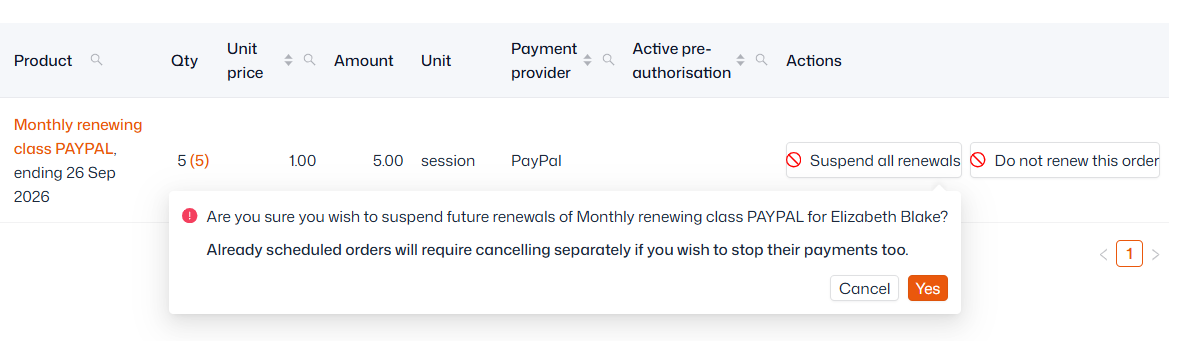
If you wish to suspend future renewals on that product for someone, simply select ‘Suspend all renewals’ on the right-hand side then click ‘Yes’. You can also choose "Do not renew this order" which stops that order from renewing the next month, before resuming.
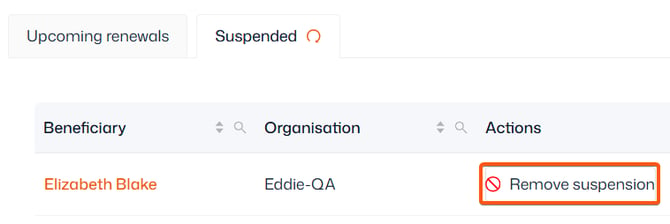
You can also view suspended renewals in the 'Suspended' tab, and ‘Remove suspension’ if need be.