Steps:
- Navigate to Product management > Products
- Select a product from the left sidebar
- Open ‘Pricing’ and click 'Edit price'
- Enter your new price and click 'Save'
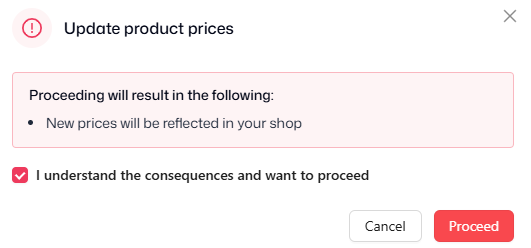
- A pop-up will appear confirming the following:
- New prices will be reflected in your shop
- Purchase orders will be updated with the new pricing (if any orders are scheduled for the product)
- Confirm and click 'Proceed' to finish
Renewing orders only:
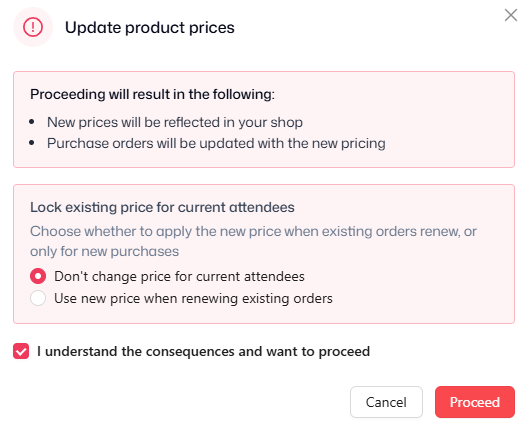
- In the pop-up, select whether or not you'd like to apply the new price to existing attendees or not:
- 'Don't change price for current attendees' - existing renewal orders are not updated with the new price, the price will change the following billing period
- 'Use new price when renewing existing orders' - existing attendees will continue renewing on the previous price until edited again or manually updated
- Confirm and click 'Proceed' to finish