
Steps:
- Navigate to Organisation setup > Settings
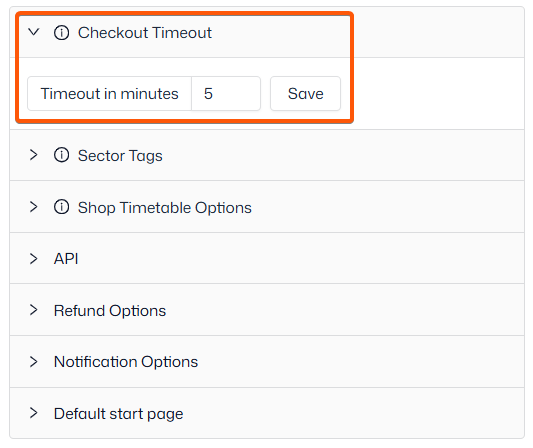
- Open the ‘Checkout Timeout’ dropdown on the right-hand side
- Adjust the time in minutes
- The default is 5 minutes
- Click ‘Save’ to finish
Customers have the option to extend the timer, if they require more time to complete their purchase.