
Steps:
- Login to the Thrive4 MemberHub app or online portal
- Open ‘Invitations’ from the left menu
- Choose to accept or decline the invitation
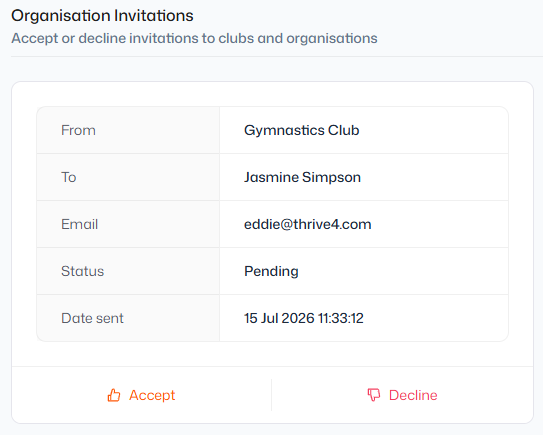
Note: You may also receive the invitation by email. When it arrives, simply click the ‘Login to Thrive4’ button to login and share your information with the organisation.
If your account is brand new, the button may instead read ‘Create password’, which will take you to a page where you can set up your login details.