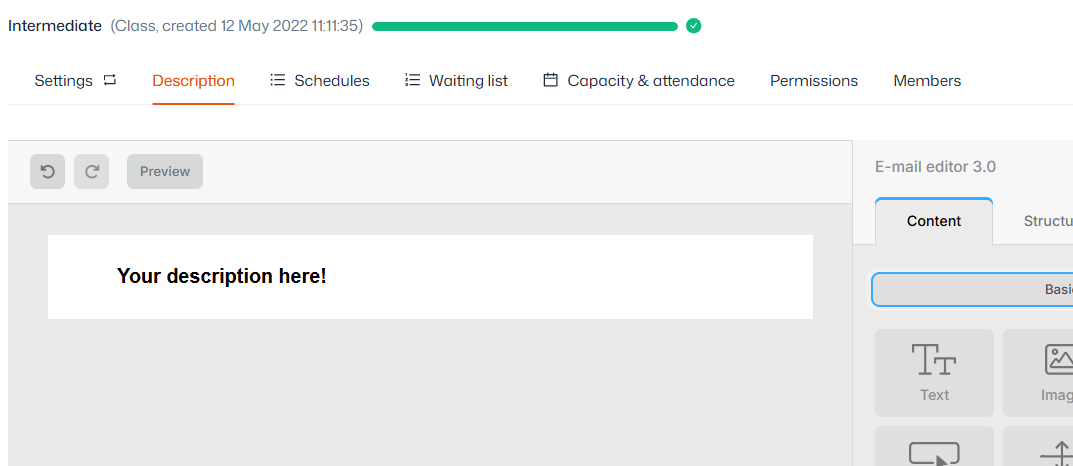
Steps:
- Navigate to Product management > Products
- Select the relevant product from the left sidebar
- Select ‘Description’ from the top of the screen
- Editing the body of the email is done using a drag and drop system. You can drag new items and layouts into the email from the right sidebar, or edit existing items by clicking on the content
- The ‘Settings’ tab in the right sidebar allows you to set defaults for colours, text, spacing and more
- Click ‘Save’ at the bottom