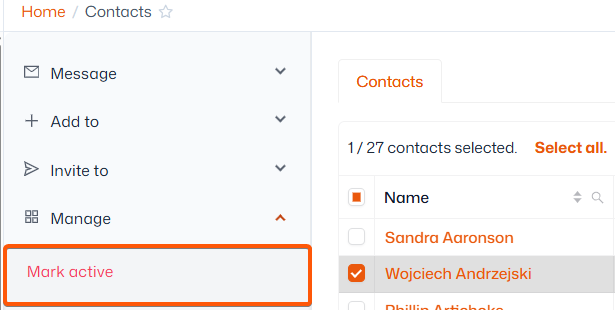
Note: Depending on your organisation’s sector, removed Contacts may be referred to as Ex-players, or Inactive.
Where can I find the contacts I have marked inactive?
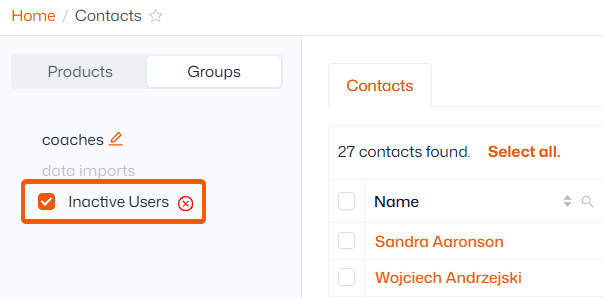
As soon as you mark a contact as inactive, they are automatically moved into your 'Inactive users' group. You can access this via the steps below:
- Navigate to Contact management > Contacts
- Select ‘Groups’ in the left sidebar
- Filter by the ‘Inactive Users’ or 'Ex-players' group
How to reactivate an inactive user:
- Select the contact(s) from the list
- In the left sidebar, click ‘Manage’ then ‘Mark active’ or 'Keep as active player'
- Select whether you would like to mark all linked accounts active as well