
Tip: For help adding a new payment method, see our guide here.
How to delete a saved payment method
- Login to the Thrive4 MemberHub app or online portal
- In the left menu, head to Account > Settings > Payment Settings
- Select the organisation the payment method is used for using the dropdown
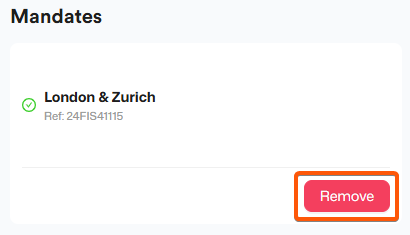
- Click/tap 'Delete'/'Remove' on the relevant payment method
- You can then set up a new payment method for the same organisation if needed
Choosing a new default payment method
If you have more than more payment method available for an organisation and would prefer another is used by default, simply click/tap ‘Make default’.