
Tip: If you have assigned a product to a shop tile and made it visible, but the product is still not appearing in your shop, read our troubleshooting article here.
Product status and visibility
- Navigate to Product management > Products
- Select the relevant product from the left sidebar
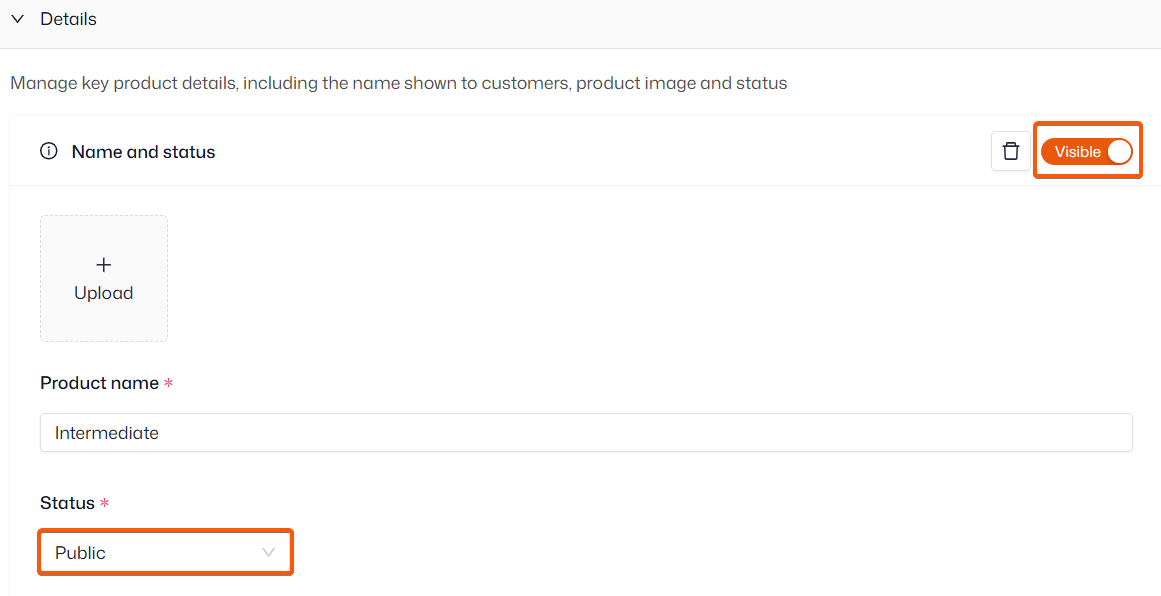
- Open ‘Details’ and ensure visibility is ‘Visible’ and status is ‘Public’
- Navigate to Product management > Products
- Select the relevant product from the left sidebar
Shop tile assignment
- Navigate to Your shop > Shop tiles to create your shop tiles
- Open ‘Booking site’ and assign the product by ticking your chosen tile (saves automatically)
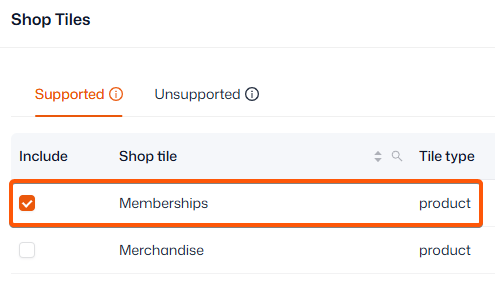
You can add a product to more than one shop tile. Not all shop tiles will be supported for all products, depending on their view type. For more information on choosing a shop view, click here.