
Age restrictions
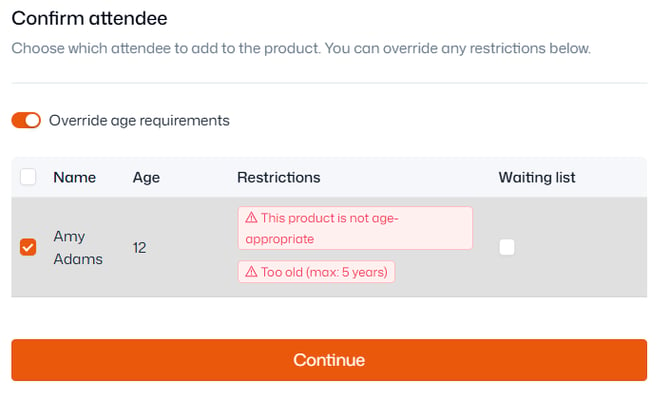
If a contact does not fit into a product’s age restrictions, this will be flagged. This can be overridden using the toggle.
Capacity
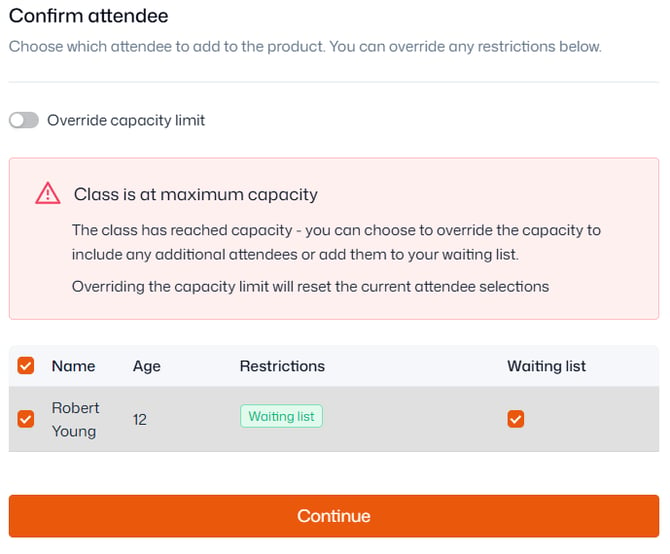
If the class, event, or membership is already at capacity, this will be flagged. This can be overridden using the toggle.
Trial
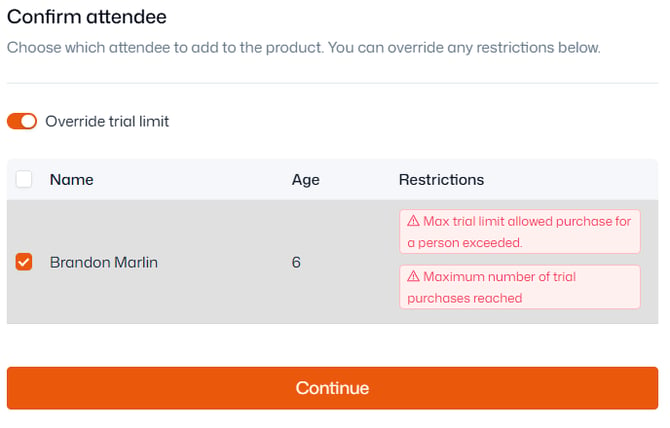
If adding a contact to a class or event as a trialist, and they have already had the maximum amounts of trials for the product, this will be flagged. This can be overridden using the toggle.
Stock level
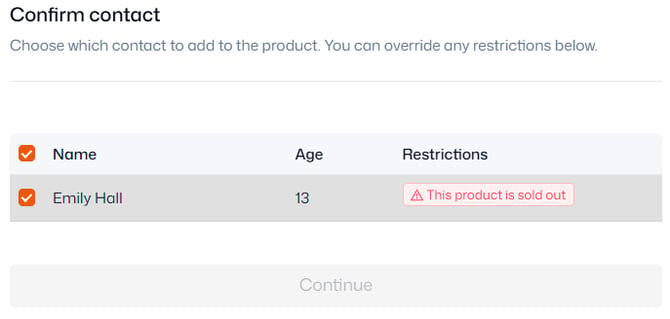
If a merchandise product is out of stock, you won’t be able to add anyone to it. You can increase the stock level under ‘Details’ within Product management > Products.
Already signed up
If a contact is already due to attend the session(s) you’re trying to add them to, you’ll be prevented from doing so.

Note: 'Already signed up' may mean they are on the waiting list - in which case you just need to promote them from the waiting list, or remove them before you add them to the sessions.
If you need to bill them again for the session(s), you can raise a one-off payment instead.